Extract Images from PDF Pages
Convert each page of your PDF into high-quality images.
About this Tool
iUseTools offers highly reliable tools designed to save your time. We created the Extract Images from PDF Pages tool exactly for this purpose: Convert each page of your PDF into high-quality images.
Why use this tool?
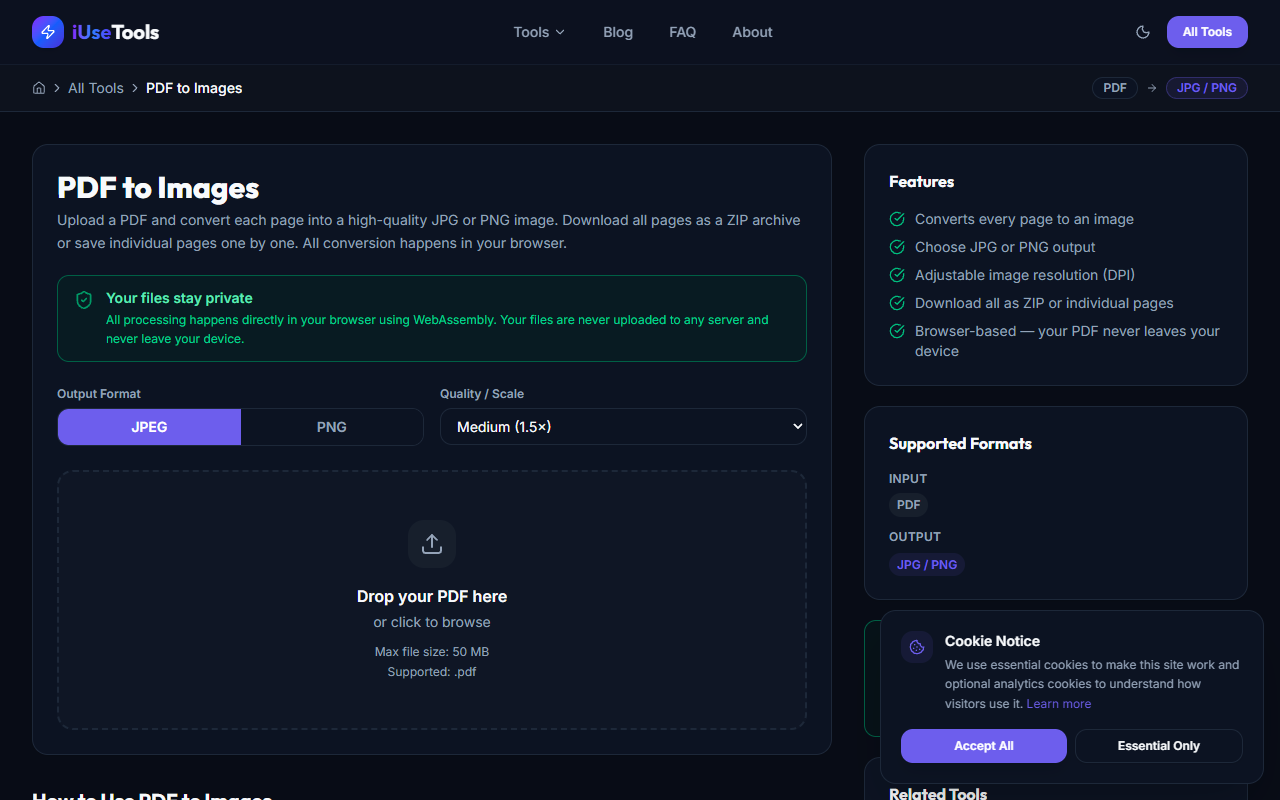
When you encounter the need to process files or data locally, having a quick, accessible, and free tool is essential. This tool operates entirely in your browser, completely eliminating the need to upload sensitive information to remote servers. This ensures:
- **Maximum Privacy:** Your files or text never leave your device.
- **Lightning Fast Output:** Since there are no server uploads, the process is practically instantaneous.
- **No Restrictions:** There are no arbitrary daily limits or paywalls blocking you from doing your work.
How to use it:
1. Open the Extract Images from PDF Pages tool from the tools menu.
2. Provide your input using the user-friendly interface.
3. Adjust any necessary settings.
4. Click the action button and instantly get your result locally!
Conclusion
With no downloads, sign-ups, or strings attached, the Extract Images from PDF Pages tool provides a quick shortcut for everyday hurdles. Enjoy all the benefits from a platform designed with privacy and utility in mind.